Your app or docs export strings in a format built for translation, XLIFF, PO, RESX or XML, and expect the same file back. One moved tag, a translated ID or a missing plural form, and the build fails or the screen shows the wrong text.
Localization file formats separate translatable text from the code around it. The short answer: translate them in a tool that parses each format, locks IDs, tags and placeholders, and exports the original structure. Smartcat does this for XLIFF, PO, RESX, XML and DITA.
This guide covers each format in turn, with an annotated example, the steps, and a table of what must stay locked. The examples use Smartcat.
Key takeaways
- Parse, don’t paste. A format-aware parser locks IDs, tags and placeholders so translators only touch text.
- XLIFF round trip. Smartcat imports XLIFF 1.2 and 2.0 and exports 1.2, with translate="no" units locked.
- Gettext plurals. msgid_plural and msgctxt are supported, so every language gets the forms it needs.
- XML and DITA by rule. XPath rules, @max length limits, CDATA tag protection and DITAMAP packages.
- Proof. Kaseya cut localization costs by 70% on Smartcat.
What’s the best tool for a product team to translate XLIFF files exported from your app?
One that reads the XLIFF version your tools export, locks inline tags and returns a file your build can re-import. Smartcat imports XLIFF 1.2 and 2.0, plus SDLXLIFF and MQXLIFF, keeps translate="no" units locked, and exports XLIFF 1.2 for the round trip (XLIFF export and import).
<trans-unit id="checkout.pay" translate="yes">
  <source>Pay <x id="1"/>{amount}<x id="2"/> now</source>
  <target>Jetzt <x id="1"/>{amount}<x id="2"/> bezahlen</target>
</trans-unit>
<trans-unit id="brand.name" translate="no">
  <source>Acme Cloud</source>
</trans-unit>- Upload the exported file. Drop one XLIFF file or a ZIP of several into a Smartcat project.
- Decide about pre-filled targets. If the export copied the source into each target, choose “Do not import” so those segments aren’t treated as translated.
- Translate and review. AI translates with your glossary and memory; reviewers work segment by segment with tags shown as locked placeholders.
- Export and re-import. Download XLIFF in the original structure; when the source changes, “Update translation” brings the new file in and keeps approved segments.
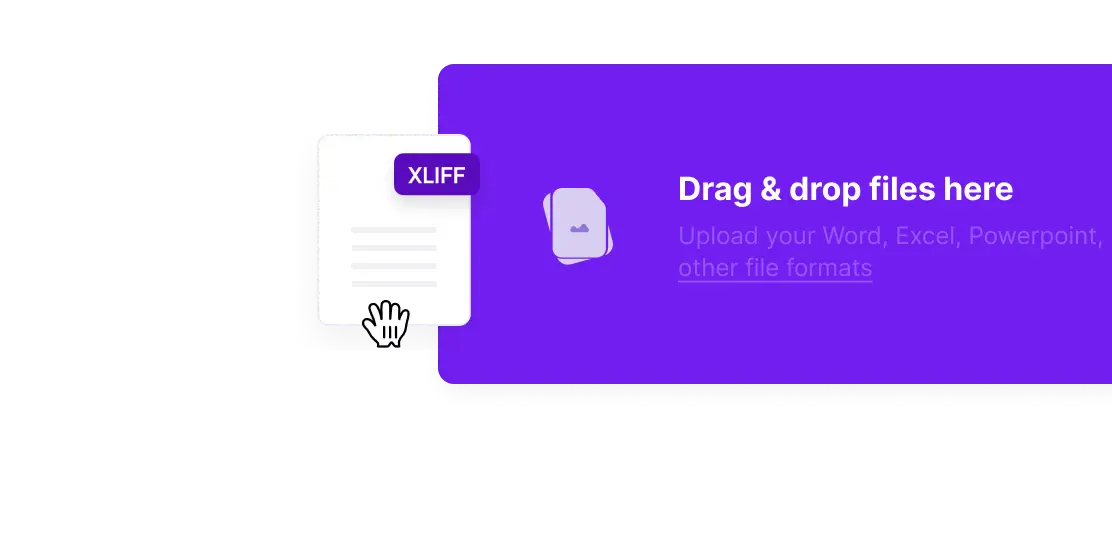
XLIFF 1.2 became an OASIS standard in February 2008, and XLIFF 2.1 in February 2018 (OASIS: XLIFF Version 2.1). For when XLIFF is the right format for your product, see should you use XLIFF for software localization; for the editor itself, XLIFF translation in Smartcat.
How do you translate gettext PO files with plurals and context?
Translate the PO file in a tool that understands msgid_plural and msgctxt, so each language gets the plural forms its Plural-Forms header declares (GNU gettext manual: Plural forms) and identical strings with different contexts stay separate. Smartcat supports both, with three PO parsers to choose from.
msgctxt "cart"
msgid "%d file"
msgid_plural "%d files"
msgstr[0] "%d plik"
msgstr[1] "%d pliki"
msgstr[2] "%d plików"- Plurals: every msgstr[n] form becomes a segment, so a translator can’t leave Polish or Arabic with only two forms.
- Context: msgctxt keeps “Open” the button apart from “Open” the status (GNU gettext manual: Contexts).
- Templates: upload the .pot file to start a new language, or the .po file to continue one.
- Continuous localization: for repositories with many PO files, Smartcat recommends the open-source Serge connector.
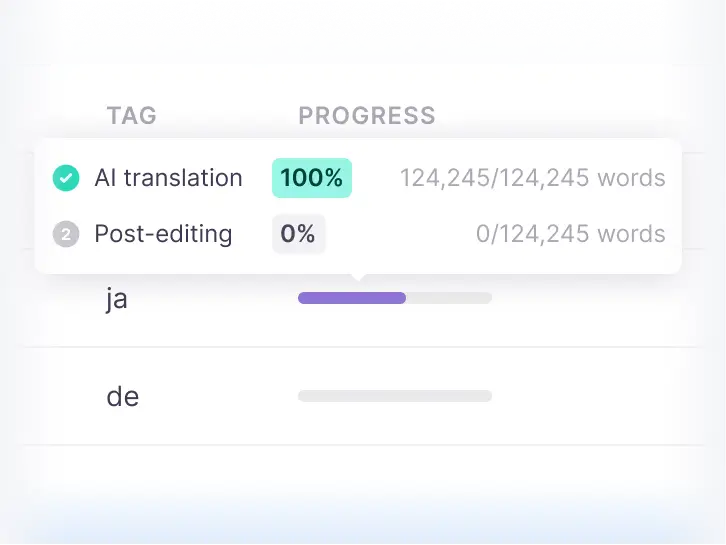
More on the format and its parsers: PO file translation in Smartcat.
How do you translate .NET RESX resource files into other languages?
Translate a copy of the neutral .resx file for each culture, then let .NET build one satellite assembly per culture, each holding that culture’s resources and no code (Microsoft Learn: Create satellite assemblies). Smartcat translates .resx files as uploads, among its 80+ supported file formats.
- File naming: keep the culture code in the name, such as Resources.de.resx, so the build finds it.
- What gets translated: each <data name="…"> entry holds its text in a nested <value> (Microsoft Learn: Create resource files for .NET apps); the name is the key your code calls and must not change.
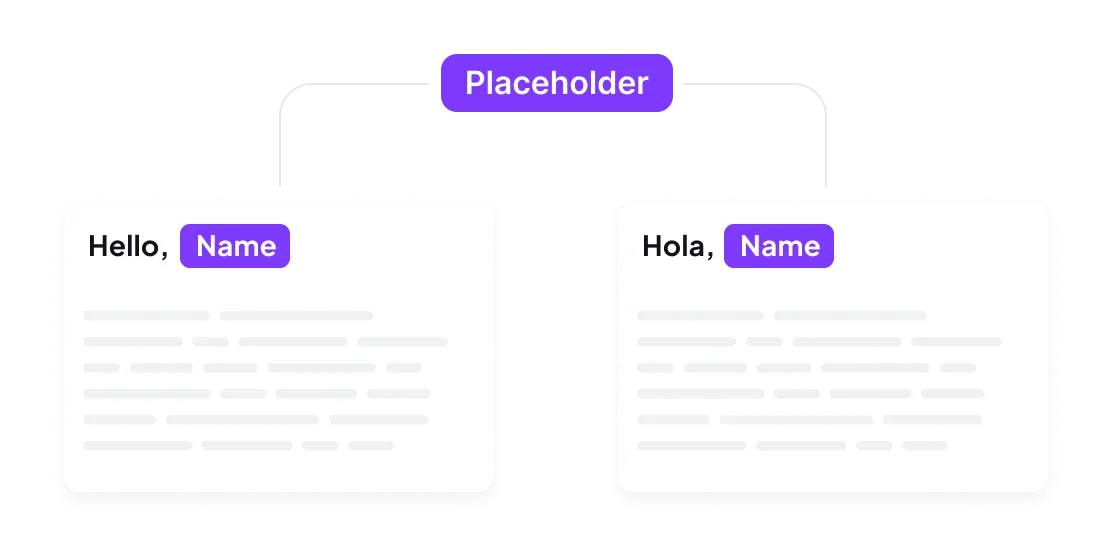
- Placeholders: composite-format markers such as {0} must survive exactly; check them in review.
Upload one .resx file to see how it splits into segments before you plan a whole solution (RESX translation in Smartcat).
How do you translate XML and DITA documentation without breaking the markup?
Tell the parser which nodes are text and which are code. Smartcat’s XML parser takes XPath rules for translatable and untranslatable nodes, string IDs, comments and @max length limits, protects tags inside CDATA, and reads DITA topics with their DITAMAP. Kaseya cut localization costs by 70% on Smartcat.
- Nodes: mark which elements and attributes are translatable; everything else is locked.
- Context: string IDs and comments show translators where each string belongs.
- Length: a @max attribute caps a translation’s length, useful for UI strings stored in XML.
- DITA: upload DITA topics with the DITAMAP, or a ZIP package that keeps the folder structure; DITA 1.3 has been an OASIS standard since December 2015 (OASIS: DITA Version 1.3).
“When we talk about expanding into other regions now, the sentiment has shifted from ‘no, we can’t do that’, to ‘that won’t be a problem’, which is a huge competitive advantage.”
Ellen Kelly, Director of Product Documentation, Kaseya
Android strings.xml files import directly into Smartcat software localization projects (XML translation in Smartcat, Kaseya case study).
Which tags and placeholders must stay locked in each localization file format?
Everything your code reads must stay byte-for-byte the same: IDs, keys, tags and placeholders. Smartcat supports 80+ file formats and shows tags and placeholders as locked elements in the editor; for a format you haven’t tested yet, such as .resx, upload one file and confirm its markers in review.
| Format | Translate | Keep locked | In Smartcat |
|---|---|---|---|
| XLIFF (.xlf, .xliff) | <source> text into <target> | Unit IDs, inline tags, translate="no" units | Import 1.2 and 2.0; export 1.2 |
| Gettext (.po, .pot) | msgstr and each msgstr[n] | msgid, msgctxt, %d and %s | Plurals and contexts supported |
| .NET (.resx) | <value> text | name attributes, {0}-style markers | Translated as a file upload |
| XML and DITA | Nodes you mark translatable | Element names, attributes, CDATA tags | XPath rules, @max limits, DITAMAP |
| Java (.properties) | Values | Keys, {0} markers | Translated as a file upload |
Full list: supported file formats in the Smartcat help center.
Try it on one of your files
Upload one exported file and check the segments, tags and export before you plan a full project (XLIFF, PO, RESX, XML).
Frequently asked questions
Which XLIFF versions does Smartcat support?
Smartcat imports XLIFF 1.2 and 2.0, as well as SDLXLIFF and MQXLIFF, and exports XLIFF 1.2 (XLIFF export and import). Units marked translate="no" stay locked.
Does Smartcat support plural forms in PO files?
Yes. Smartcat supports msgid_plural and msgctxt, so each msgstr form becomes a segment and identical strings with different contexts are translated separately.
Can Smartcat translate RESX files?
Yes. Smartcat translates .resx files as uploads. Upload one file to check how it splits into segments before you plan a whole solution (RESX translation).
Can Smartcat translate DITA content?
Yes. Upload DITA XML topics with their DITAMAP, or a ZIP package that keeps the folder structure; Smartcat handles the package as one file and returns it in the same structure.
What happens when the source file changes after translation?
Import the new version and Smartcat reuses every approved segment from translation memory, so only new and changed text is translated and billed.
Is Smartcat affiliated with the companies named in this guide?
No. Smartcat is an independent platform and is not affiliated with, endorsed by, sponsored by or otherwise associated with any company or product named in this guide. All product names and trademarks are the property of their respective owners and are used solely for identification and comparison.
Related guides
Sources
- OASIS: XLIFF 1.2 Specification
- OASIS: XLIFF Version 2.1
- GNU gettext manual: Plural forms
- GNU gettext manual: Contexts
- Microsoft Learn: Create resource files for .NET apps
- Microsoft Learn: Create satellite assemblies
- OASIS: DITA Version 1.3

Maksym Ostapenko · Head of Product Growth, Smartcat
Maksym Ostapenko is Head of Product Growth at Smartcat, where he works on AI translation workflows, software localization and enterprise localization. He writes about translation technology and localization operations from hands-on product experience.
GitHub, GitLab, Bitbucket, Figma, Android, iOS, Xcode, .NET and all other product names are trademarks of their respective owners. Smartcat is not affiliated with, endorsed by or sponsored by any company named in this guide; names are used solely for identification and comparison.