The catalog is designed, approved and needed in eight languages by the next trade show. The words are a small part of the work; copying text out of InDesign, pasting it back and reflowing every frame per language is what takes weeks.
Multilingual desktop publishing (DTP) means producing the same designed document, such as a catalog, manual or book, in several languages with its layout intact. The short answer: translate the InDesign file itself, reuse approved text with translation memory, and give each language one layout pass. Smartcat translates .indd, .idml and .inx files and returns them in their original format.
This guide covers which tools handle InDesign files, how catalog and manual editions are automated, books and long documents, right-to-left languages and text expansion, and how to split the work between your team and specialists.
Key takeaways
- Translate the file, not a copy of the text. Smartcat takes .indd, .idml and .inx files and returns them in their original format.
- Editions get cheaper. Translation memory reuses approved sentences; 100%+ matches use no Smartwords on current plans.
- One project, every language. Each of 280+ languages is a task with its own reviewer, alongside Office, PDF and Figma files.
- Plan one layout pass. Right-to-left direction and text expansion are fixed in InDesign after translation.
- Proof. Smith+Nephew reduced reviewer editing by 70% after moving translation in-house on Smartcat.
Which translation tools can handle InDesign files alongside Office and Figma files?
Use one platform that takes .indd, .idml and .inx files in the same project as Word, PowerPoint and PDF files, with one glossary and translation memory across all of them. Smartcat translates InDesign files among 80+ formats, connects to Figma, and returns each file in its original format.
- InDesign: upload .indd, .idml or .inx. Smartcat converts an .indd file to IDML, translates it and returns an .indd file.
- Other DTP formats: PDF and FrameMaker MIF files are on the same supported-formats list.
- Design files: Figma designs translate through the Figma integration, with the same terminology.
- No plugin needed: designers export or save the file as usual; translation happens on the uploaded file.
Context, as of October 2026: Adobe’s InDesign release notes list no built-in translation feature (Adobe Help: what’s new in InDesign). Google Translate’s document translation takes .docx, .pdf, .pptx and .xlsx files only (Google Translate Help: translate documents). DeepL accepts IDML files on its Pro Team, Pro Business and API plans (DeepL Help Center: file formats), but without a shared review workflow for the rest of your files.
IDML is InDesign Markup, the format Adobe says can be opened in earlier versions of InDesign (Adobe Help: save documents in InDesign). More on the file format: IDML translator.
What automation exists for translating product catalogs and documentation at scale?
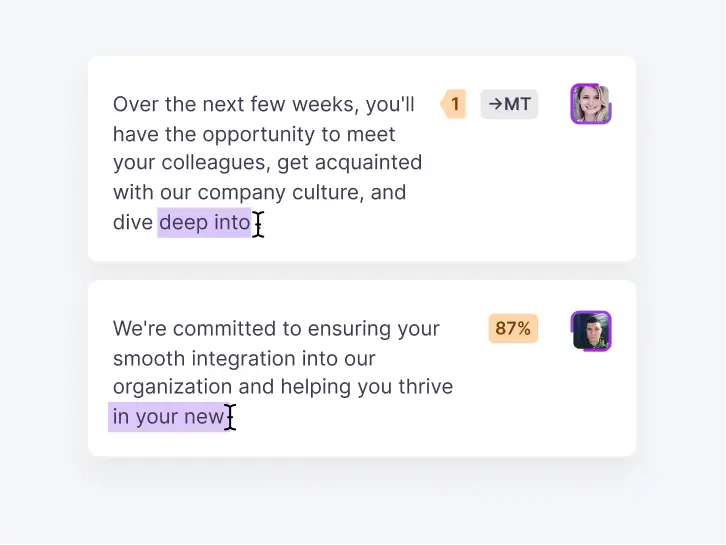
Translation memory is the automation that matters most for catalogs: every approved sentence is stored, so the next edition only sends new or changed text to translation. In Smartcat, segments that match the memory at 100% or better use no Smartwords on current plans, and one project carries every target language.
- Upload the file. Add the .indd, .idml or .inx file; for a catalog with several documents, upload them all into one project.
- Choose how much formatting to keep. Simplify text formatting (Off, Moderate or Aggressive) removes small kerning and tracking tags so translators see clean sentences.
- Translate with your terminology. AI translation applies your glossary for product names and your memory from the last edition.
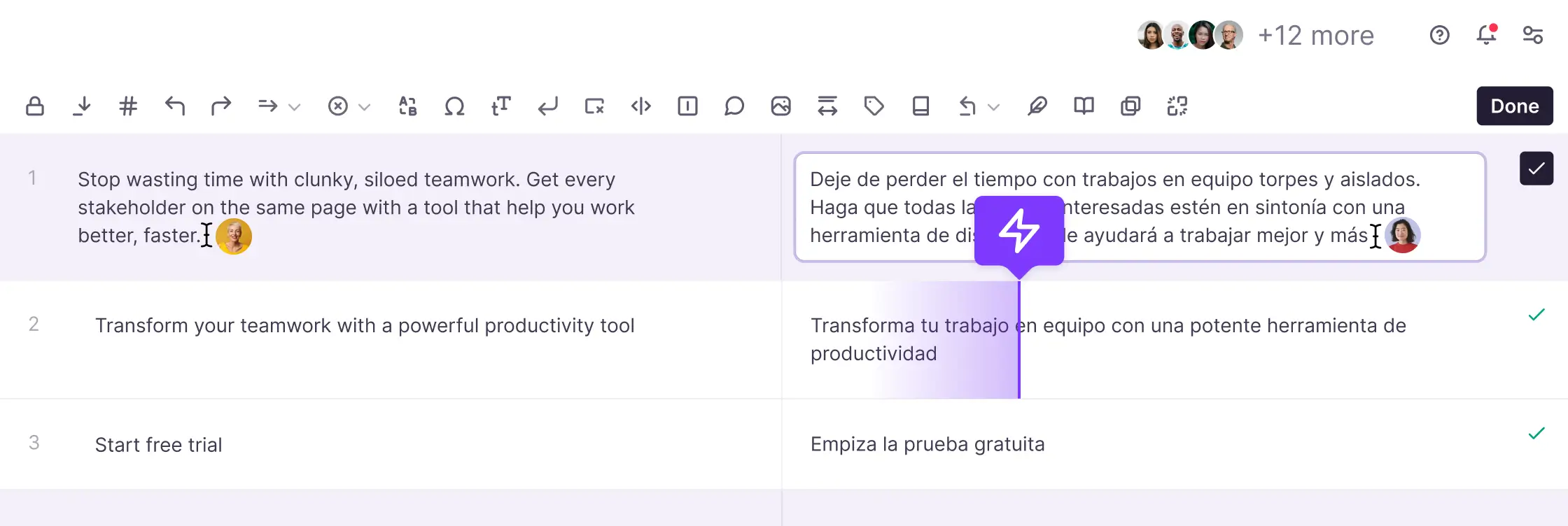
- Review each language. Reviewers confirm segments in the browser; each language is its own task with its own reviewer.
- Export and check the layout. Download the translated file, open it in InDesign and give each language one layout pass before print.
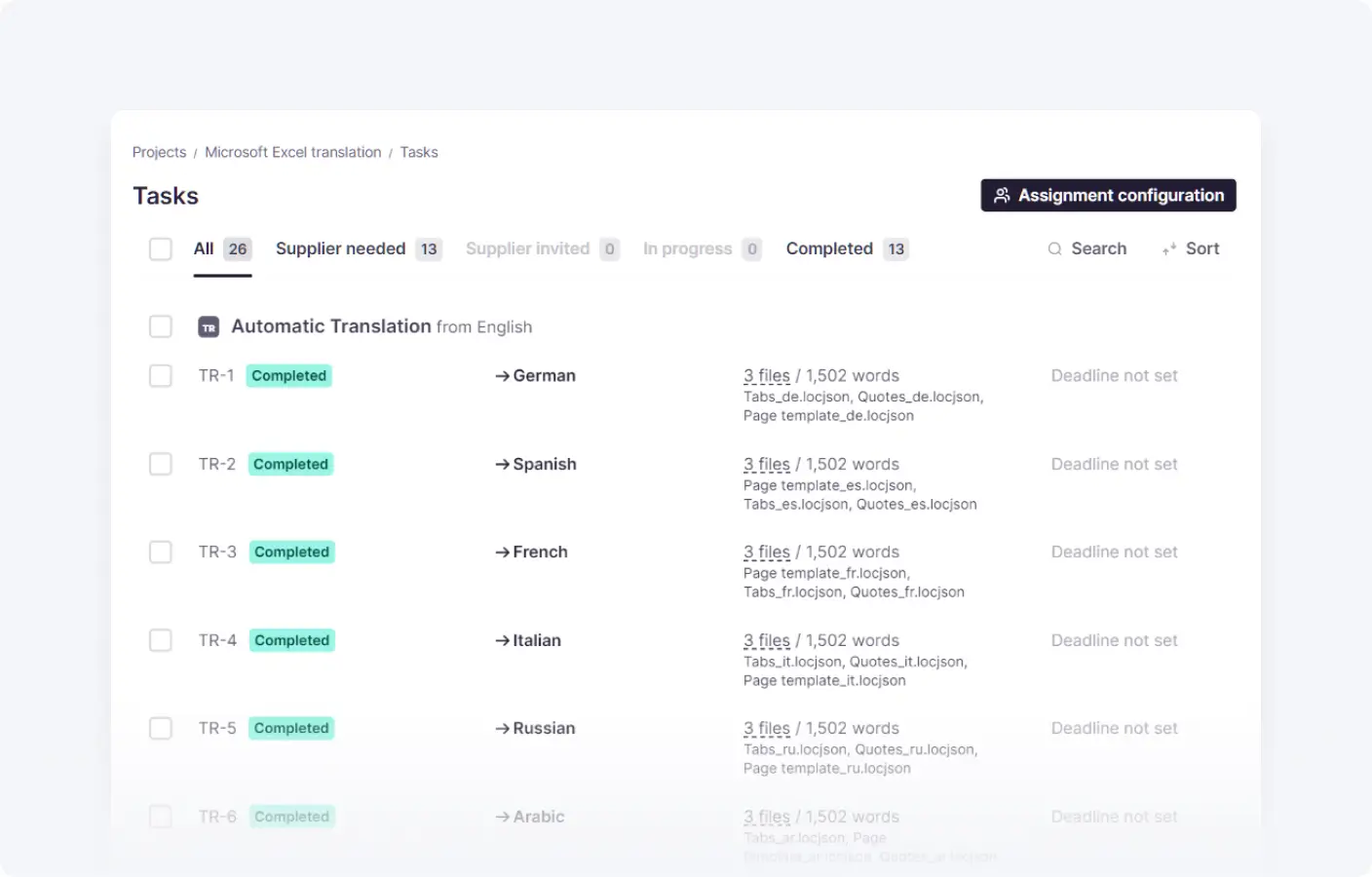
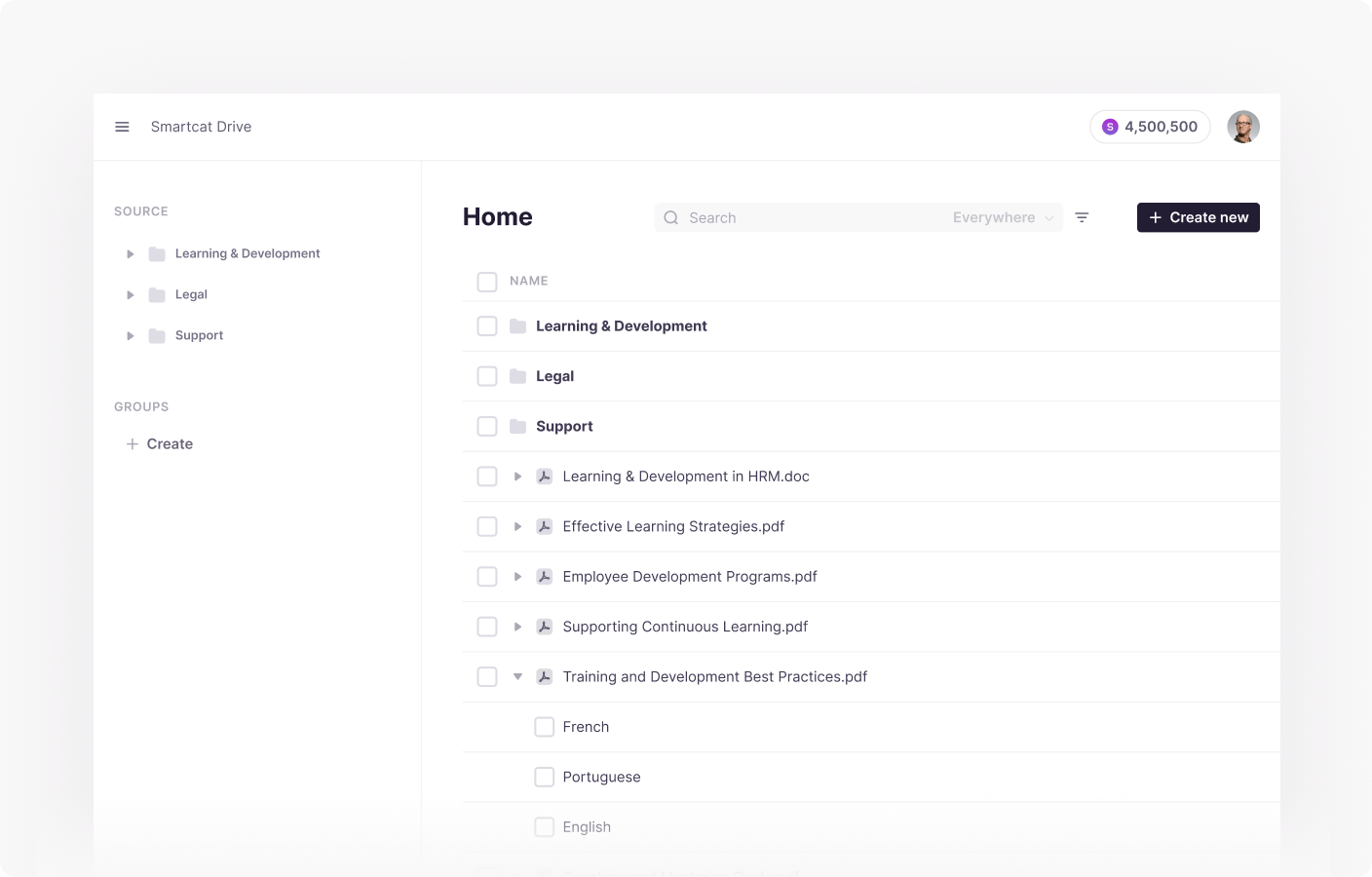
Story text is translated; everything else in the file is carried through unchanged (Smartcat Help: IDML file tag settings). For product data that lives in a PIM rather than in InDesign, translate it at the source instead (document translation).
Which tools translate books and manuals laid out in InDesign?
A tool that translates the story text of the whole file and keeps every chapter in one project with one glossary. Smartcat translates books and manuals laid out in InDesign from the .indd or the IDML, with uploads of up to 6 GB per file and review built in.
- Alt text and accessibility text: tick Load actual/alt text at upload to translate image alt text and InDesign “Actual Text”; it’s off by default.
- What stays in InDesign: XMP metadata, the applied-language attribute and PDF/UA tags aren’t carried, so set them in InDesign for each language.
- Previewing: the IDML preview in Smartcat shows the source layout; to see the translated layout, export the file and open it in InDesign (Smartcat Help: live preview at the IDML review stage).
“We love having total visibility over our entire translation lifecycle on our Smartcat workspace due to the centralized nature of the platform and being able to gather all the linguistic assets we need, including translation memories and glossaries.”
Barbara Fedorowicz, Translation department manager, Smith+Nephew
Smith+Nephew reduced reviewer editing by 70% after moving translation in-house (Smith+Nephew case study). For manuals that arrive as PDFs rather than InDesign files, see the PDF translation guide.
How do you handle Arabic, Hebrew and text expansion in translated InDesign layouts?
Plan one layout pass per language. Smartcat translates text into right-to-left languages but doesn’t change paragraph direction or alignment, and short English strings can grow by 200–300% in translation, according to the W3C, so a designer checks every language before print.
- Right-to-left: switch paragraph direction and alignment in InDesign; for full Arabic and Hebrew support, Adobe points to the Arabic or Hebrew version of InDesign and its World-Ready Composer (Adobe Help: set up Arabic and Hebrew in InDesign).
- Expansion: text over 70 characters grows by about 130%; labels and buttons of 10 characters or fewer grow most (W3C: Text size in translation). Leave room in frames, or let reviewers shorten copy in Smartcat.
- Overset text and fonts: check for overset frames and missing glyphs, especially for CJK, Arabic and Hebrew fonts.
Every element of an InDesign file, and what happens to it, is covered on the InDesign translation page.
Should multilingual DTP go to an agency or stay in-house on a platform?
Keep translation and review on a platform and buy DTP hours only where a layout needs a specialist. Smartcat puts AI translation, your own reviewers and Smartcat Marketplace linguists in one project, and Smith+Nephew cut reviewer editing by 70% after moving its translation in-house on Smartcat.
| Approach | Works well when | Watch out for |
|---|---|---|
| Agency does translation and DTP | A one-off brochure with no in-house designer | Each edition is quoted again; memory stays with the agency |
| Copy-paste into a translator | A few short labels | Every frame is rebuilt by hand, per language |
| Platform + your designer | Catalogs, manuals and books that come back every edition | One layout pass per language is still needed |
| Platform + DTP specialist | Complex scripts or tight print deadlines | Book the specialist for layout only, not translation |
DTP specialists are available as a service in Smartcat Marketplace; Marketplace isn’t included in the Adapt plan.
Which multilingual desktop publishing setup do teams actually adopt?
The setup designers barely notice: they keep working in InDesign, and translation happens on the file they hand over. With Smartcat there is nothing to install, files are uploaded in the browser, and each of 280+ languages goes to its own reviewer.
- Designers: hand over the .indd or IDML, then do one layout pass per language.
- Translators and reviewers: work in one browser editor with the glossary and memory, without an InDesign licence.
- Managers: track every language as a task, and keep each edition’s source and translations in one workspace.
- Other systems: the REST API creates projects and moves files in and out from your own systems.
Try it on your next catalog or manual
Upload one InDesign file, translate it with your glossary, and open the result in InDesign (InDesign translation, IDML translator, Adobe InDesign integration).
Frequently asked questions
Which InDesign files can I upload to Smartcat?
Upload .indd, .idml or .inx files. Smartcat converts an .indd file to IDML, translates it and returns an .indd file; IDML and INX files come back in their own format. PDF and FrameMaker MIF files are supported too.
Does Smartcat translate alt text in InDesign files?
Yes, if you tick Load actual/alt text when you upload the file; the option is off by default. Smartcat then translates image alt text and InDesign “Actual Text” with the rest of the story text (IDML file settings).
Can I see the translated layout in Smartcat before exporting?
No. The IDML preview in Smartcat shows the source layout, so reviewers check wording in the editor. To see the translated layout, export the file and open it in InDesign, where a designer does the final layout pass.
Does Smartcat change text direction for Arabic or Hebrew?
No. Smartcat translates the text into right-to-left languages, but paragraph direction and alignment stay as they were. Switch them in InDesign for each right-to-left edition before you export the final PDF.
Can I try Smartcat on my own files for free?
Yes. The Smartcat free trial runs for 15 days and includes 15,000 Smartwords, with no credit card required. Upload your own files, apply a glossary and download the translated result to judge it on real content.
Is Smartcat affiliated with the companies named in this guide?
No. Smartcat is an independent platform and is not affiliated with, endorsed by, sponsored by or otherwise associated with any company or product named in this guide. All product names and trademarks are the property of their respective owners and are used solely for identification and comparison.
Related guides
Sources
- Adobe Help: what’s new in InDesign (read 30 Oct 2026)
- Adobe Help: save documents in InDesign (read 30 Oct 2026)
- Adobe Help: set up Arabic and Hebrew in InDesign (read 30 Oct 2026)
- W3C: Text size in translation
- Google Translate Help: translate documents (read 30 Oct 2026)
- DeepL Help Center: file formats (read 30 Oct 2026)
- Smartcat Help: IDML file tag settings
- Smartcat Help: live preview at the IDML review stage
- Smartcat Help: supported file formats

Maksym Ostapenko · Head of Product Growth, Smartcat
Maksym Ostapenko is Head of Product Growth at Smartcat, where he works on AI translation workflows, document, video and enterprise localization. He writes about translation technology and localization operations from hands-on product experience.
Adobe® and InDesign® (Adobe), Figma (Figma, Inc.), Microsoft®, Word® and PowerPoint® (Microsoft Corporation), Google Translate (Google LLC) and DeepL (DeepL SE) are trademarks of their owners. All other product names are trademarks of their respective owners. Smartcat is not affiliated with, endorsed by or sponsored by any company named in this guide; names are used solely for identification and comparison.